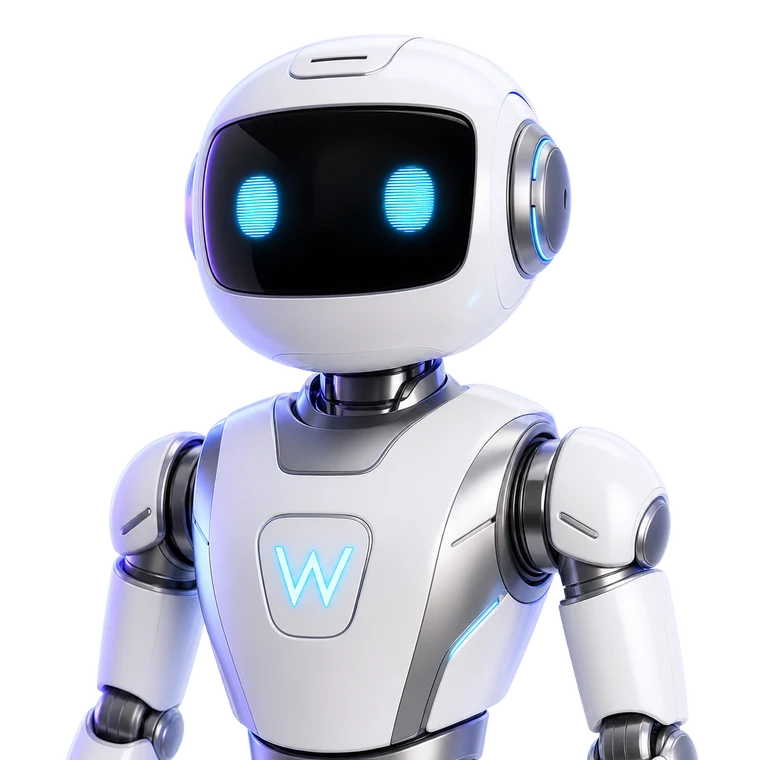

AI Workforce
AI employees that work inside your business, with approval on every action
A WORKORA AI employee is an assistant assigned to one business workspace with a role, scoped permissions and access to that workspace's real records. It can read your CRM and tasks, answer questions about them, and propose changes — but a person approves anything that actually changes data.
What an AI employee actually does
An AI employee is closer to a well-briefed assistant than to a chatbot. It is attached to a workspace, it knows that workspace's clients, tasks and projects, and it works within a role you choose.
- Answers questions about your own CRM records, tasks and project status.
- Drafts follow-ups, briefs, summaries and structured plans.
- Proposes concrete actions such as creating or completing a task.
- Keeps a memory of the working context inside its workspace.
Human approval is not optional
Every consequential action an AI employee proposes is created as a pending approval. A person with the right permission reviews exactly what will change, then approves or rejects it. Approved actions execute once, and the result is written to an immutable audit record.
This is why WORKORA does not describe AI employees as autonomous. They prepare work; people authorise it.
Roles you can assign
AI employees are specialised rather than general. Sales, marketing, recruiting, project coordination, CRM and research roles each come with a different brief and a different set of permissions, so an assistant only reaches the data its job requires.
Working alongside human talent
The same workspace holds your hiring. You can shortlist and hire freelancers or agencies for work that needs people, keep AI employees on coordination and drafting, and see both in one team view.
Common questions
What is an AI employee on WORKORA?
An AI employee is a configured assistant that works inside one business workspace with a defined role, limited permissions and access to that workspace's real data — its CRM records, tasks and projects. It is not a general chatbot and it is not a person; it drafts, analyses and proposes actions within the boundaries you set.
Can an AI employee act on its own?
No. Anything that changes real data — creating or completing a task, updating a record — becomes a pending approval that a person with the right permission must approve before it executes. Read-only questions are answered directly.
What data can an AI employee see?
Only the workspace it belongs to, and only what your role allows in that workspace. Access is enforced on the server, so an AI employee cannot read another business's records.
Does an AI employee replace hiring people?
It is not a replacement for hiring. AI employees handle drafting, summarising, follow-up and routine coordination; the same workspace is where you hire and manage human freelancers and teams for the work that needs them.
Last updated
Explore WORKORA
Build your AI workforce
Choose a role, set its permissions and keep a person in the approval loop for every action that changes your data.